
Administrador
 GROMACS, Molecular Dynamics, HPC Optimization, GPU Computing, CUDA acceleration, Bioinformatics, Scientific Research, Performance Tuning
 0 comentario
 03 Jan, 2026
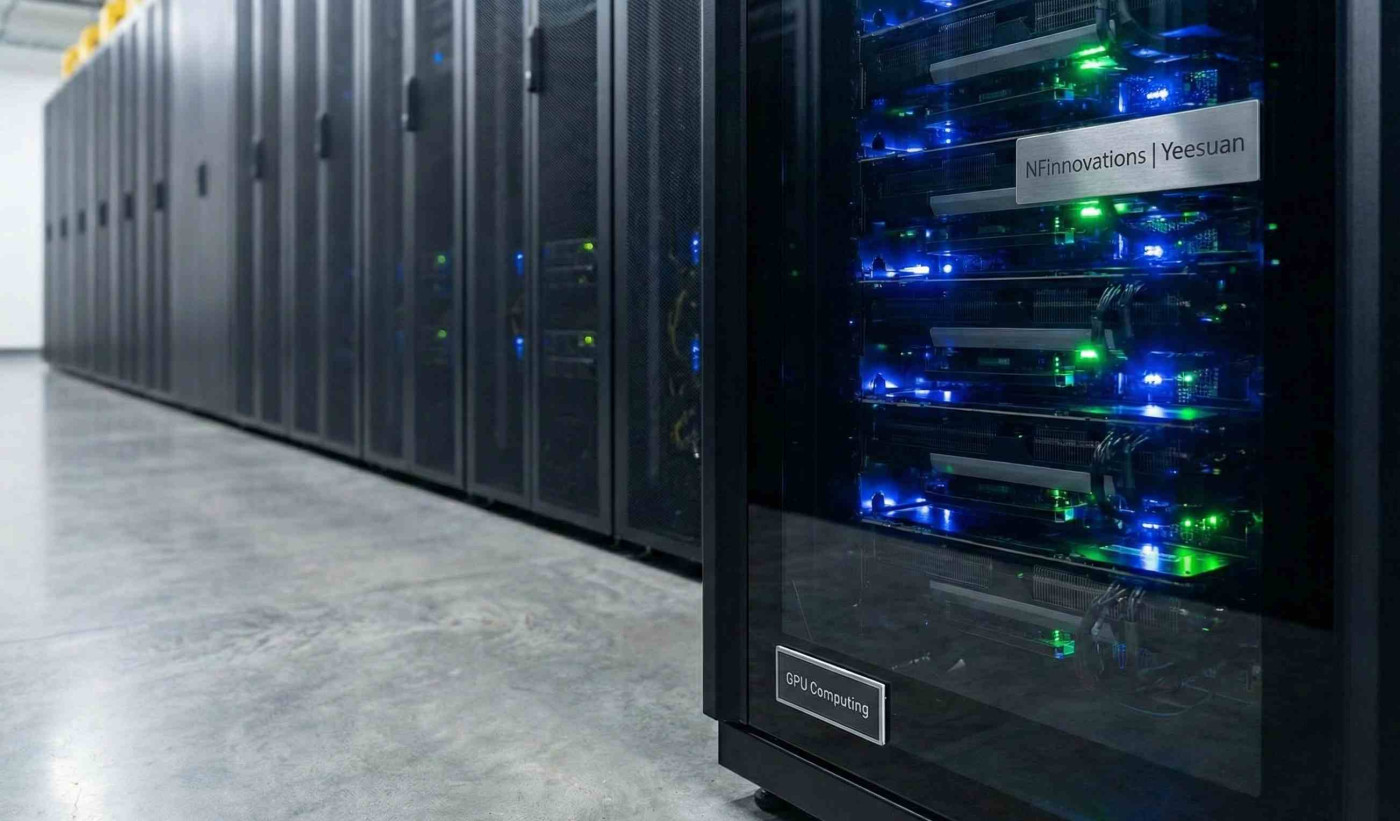
Molecular Dynamics (MD) is a race against time. Whether you are modeling protein-ligand interactions or studying lipid bilayers, waiting weeks for a 500ns simulation is a bottleneck that modern research cannot afford.
At NFInnovations, we often see researchers running GROMACS on default settings, effectively wasting 40-50% of their available computational power. Here are three common culprits limiting your performance:
1. Improper GPU-CPU Load Balancing Modern GROMACS versions rely heavily on offloading non-bonded interactions to the GPU. If your PME (Particle Mesh Ewald) calculations are stuck on the CPU while your GPU sits idle, you are creating an artificial bottleneck.
2. Inefficient Domain Decomposition When running on clusters, how you split your simulation box matters. Automatic domain decomposition is good, but manual tuning based on your specific hardware topology can yield significant speedups.
3. The I/O Trap Writing trajectory files (.xtc/.trr) too frequently can stall high-speed simulations, especially on systems with slower storage throughput. Optimizing output frequency is a "low-hanging fruit" for performance.
Master the Workflow Optimizing MD pipelines isn't just about hardware; it's about knowing the software architecture intimately.
If you are looking to professionalize your MD workflows, I invite you to join my specialized training: "Molecular Dynamics with GROMACS on Supercomputers." We go beyond the basics to cover advanced GPU acceleration and reproducible pipelines.


Administrador
0 comentario